Cheap wireless gaming mouse: $20 or $70?
What a $16 to $22 mouse gives you, what $46 to $65 adds, and whether a $68 to $74 one with 8,000 Hz polling and a flagship sensor is worth it.
Budget wireless gaming mice on AliExpress fall into three groups: around $20, $46 to $65, and around $70. The listings quote big numbers for all of them, so it is hard to see what the extra money buys. These nine are picked from published reviews, specifications and owner discussion. Prices are “from” prices.
The short answer
- Casual and everyday gaming: a $16 to $22 mouse is enough. The Attack Shark R1, AJAZZ AJ139 and Attack Shark X11 all weigh 59 to 66 g and connect three ways.
- Competitive shooters on a budget: the $46 to $65 group is the sweet spot. It moves to the PAW3395 or PAW3950 sensor, and weighs 40 to 58 g. The MCHOSE L7 Pro and A7 V2 Ultra have 8,000 Hz polling.
- The top of the range: the $68 to $74 group adds the PAW3950-family sensor, 39 to 49 g and up to 8,000 Hz polling, but the gap to the middle group is small, and independent testing of these is thinner.
What $20 gets you
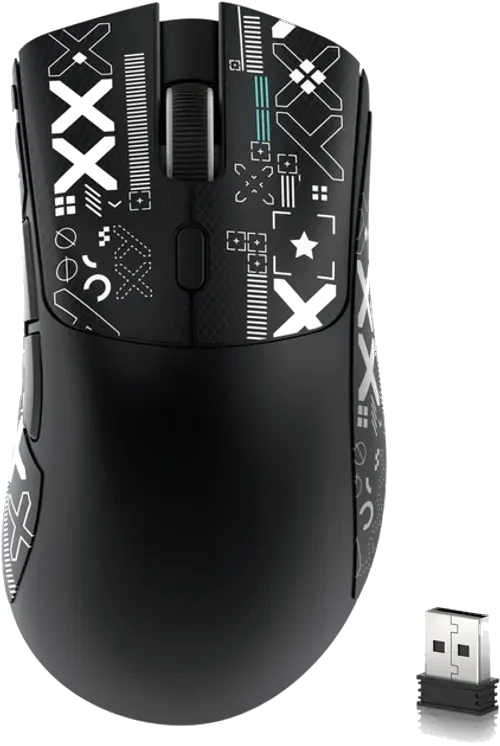
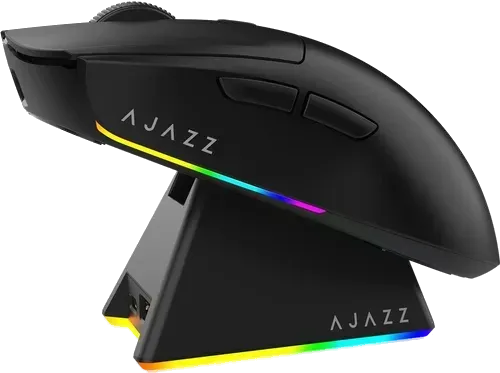
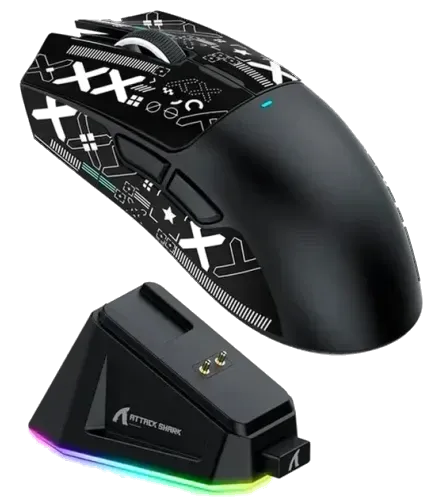
All three use PixArt’s older PAW3311 sensor, which is accurate enough for everyday and casual gaming and less precise than pricier mice for competitive shooters. All three connect by USB-C cable, 2.4 GHz dongle or Bluetooth.
- The R1 (from $16) is the lightest at about 59 g and the cheapest. The maker quotes up to about 65 hours per charge. It is fairly large at 123 × 64 mm, and the side buttons can wiggle.
- The AJ139 (from $19) comes with a magnetic charging dock. The name covers two models, the V2 MC and the Pro, with different sensors and weights, so check which the listing is.
- The X11 (from $22) has a magnetic RGB dock that also holds the receiver. It uses the same sensor as the cheaper R1, so you are mostly paying for the dock.
What $46 to $65 adds
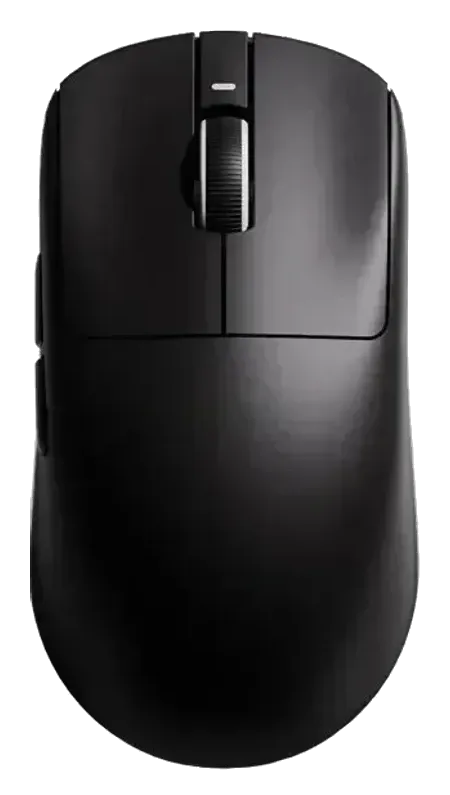
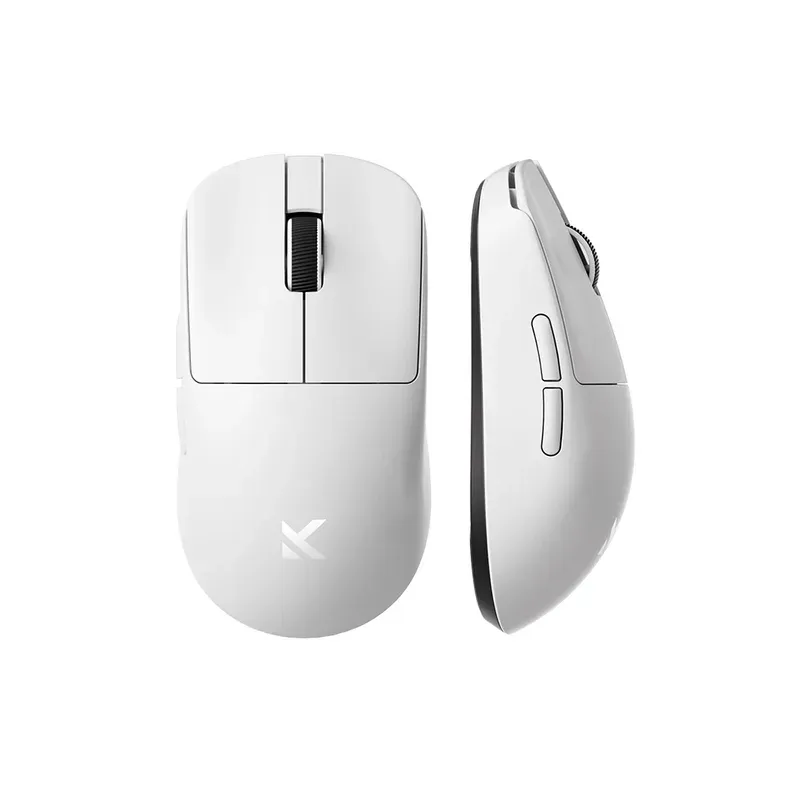
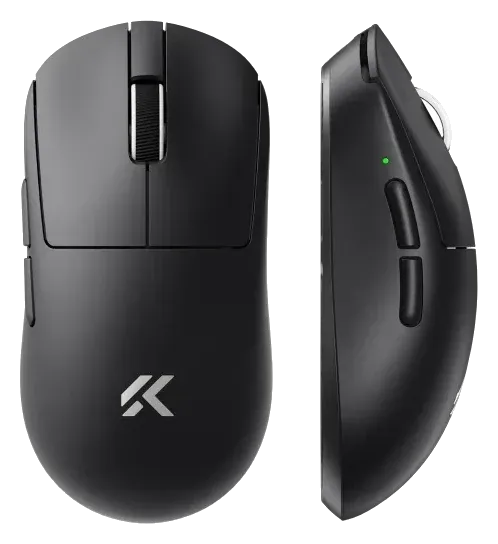
- The VXE Dragonfly R1 Pro (from $46) is about 48 g with a mid-size shape that RTINGS found suits most hands. It uses the PAW3395 sensor, but reports at 1,000 Hz out of the box (4,000 Hz needs a separate receiver), has no Bluetooth and uses mechanical switches. The maker quotes up to about 75 hours per charge.
- The MCHOSE L7 Pro (from $56) is about 40 g, close to the $72 R5 Ultra, with optical switches and true 8,000 Hz polling in TechPowerUp’s tests. It is small, so it suits claw and fingertip grips, and its 250 mAh battery has no quoted life.
- The MCHOSE A7 V2 Ultra (from $65) is about 58 g with a shape copied from the Logitech G Pro X Superlight, and the PAW3950 Ti sensor with 8,000 Hz polling. Its 500 mAh battery is large, but wireless polling at 1,000 Hz is only steady in its “Extreme” mode, which uses more battery.
These are the best-reviewed mice in the guide: RTINGS rates the R1 Pro’s build and sensor highly and names the L7 Pro its budget pick for enthusiasts, and TechPowerUp measured the A7’s low click latency. The listings sell several versions of each, so check which one you are buying.
What $70 adds
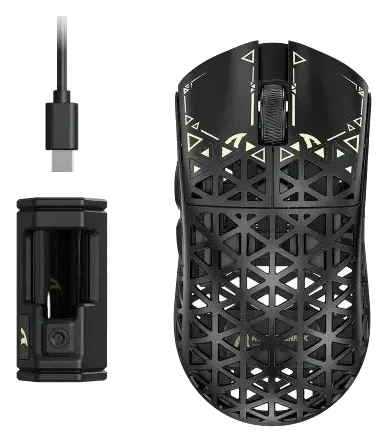
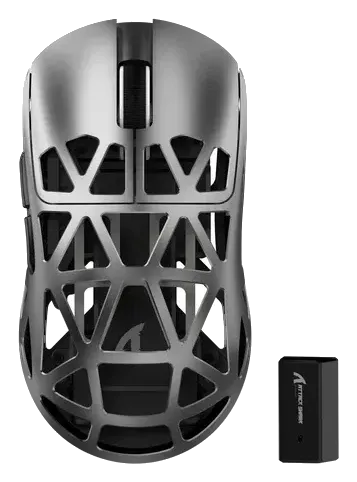
- The R5 Ultra (from $72) is about 39 g with a carbon-fibre shell and an ambidextrous shape. It does not store settings profiles on the mouse, and the coating can feel slippery.
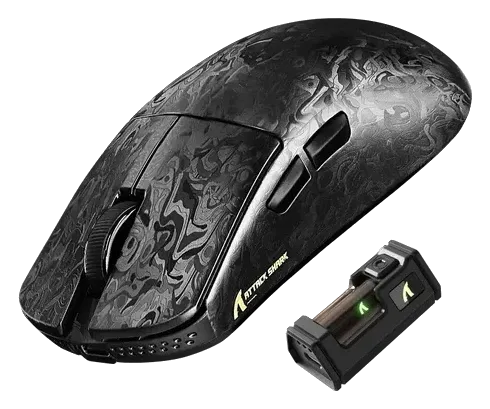
- The R11 Ultra (from $68) is about 49 g with a forged carbon-fibre shell. The textured surface grips well but feels rough to some hands.
- The R2 (from $74) is about 45 g with a magnesium-alloy shell. It is small, at about 118 × 62 mm.
All three use a PixArt PAW3950-family sensor, support up to 8,000 Hz polling, and connect by cable, dongle or Bluetooth. Independent testing of them is thin, so many of the claims come from the maker.
The terms, in plain words
Sensor. The part that tracks movement. A newer sensor tracks fast movements more precisely. The PAW3311 in the cheap group is older; the PAW3395 in the middle group is newer, and the PAW3950 family is the flagship line.
DPI. How far the cursor moves per inch of mouse movement. The box numbers (18,000 on the R1, 42,000 on the pricier mice) are ceilings. Most players set it far lower, so a higher maximum is not a reason to pay more.
Polling rate. How many times a second the mouse reports to the PC. 1,000 Hz is once every millisecond; 8,000 Hz is every 0.125 ms. A higher rate asks more of the PC and the battery, and the highest rates need the cable on some mice, so check the listing. The VXE R1 Pro reports at 1,000 Hz unless you buy a separate receiver. For casual play the difference is small.
Weight. Grams matter more than any of the above for comfort. At about 59 g the R1 already weighs noticeably less than a typical office mouse; the L7 Pro and the $70 group go much lighter, at 39 to 49 g.
Optical switches. These avoid the double-clicking that wears out older mice. The R2 and R11 use them, rated for 100 and 70 million clicks (the maker’s figures).
Pick by your hand
- Palm or claw grip, larger hands: the R1 is built for them, but can feel big in small hands. The A7 V2 Ultra’s Superlight-style shape suits medium to large hands.
- Most hand sizes and grips: the R1 Pro’s mid-size shape is the one RTINGS found fits the widest range.
- Fingertip grip or smaller hands: the R2 and the L7 Pro are very small and suit a fingertip or claw grip rather than a palm grip.
- Left-handed: the R5 Ultra has an ambidextrous shape.
Before you buy
- Check which model the listing is. The AJ139 name covers two models. The R2 is sold with and without a charging dock. The R1 Pro, L7 Pro and A7 V2 Ultra listings also sell cheaper or pricier siblings, so pick the exact name.
- Battery figures are the maker’s. The R1 is rated at about 65 hours, the AJ139 at 40+ hours on 2.4 GHz and the R1 Pro at about 75 hours. MCHOSE quotes none for the L7 Pro or A7.
- The X11 has no power switch to save battery.
- Use the dongle for games. Bluetooth suits laptops and tablets, and the dongle gives low-lag wireless play.
The nine picks below each list their own pros and cons.